
 Sign in
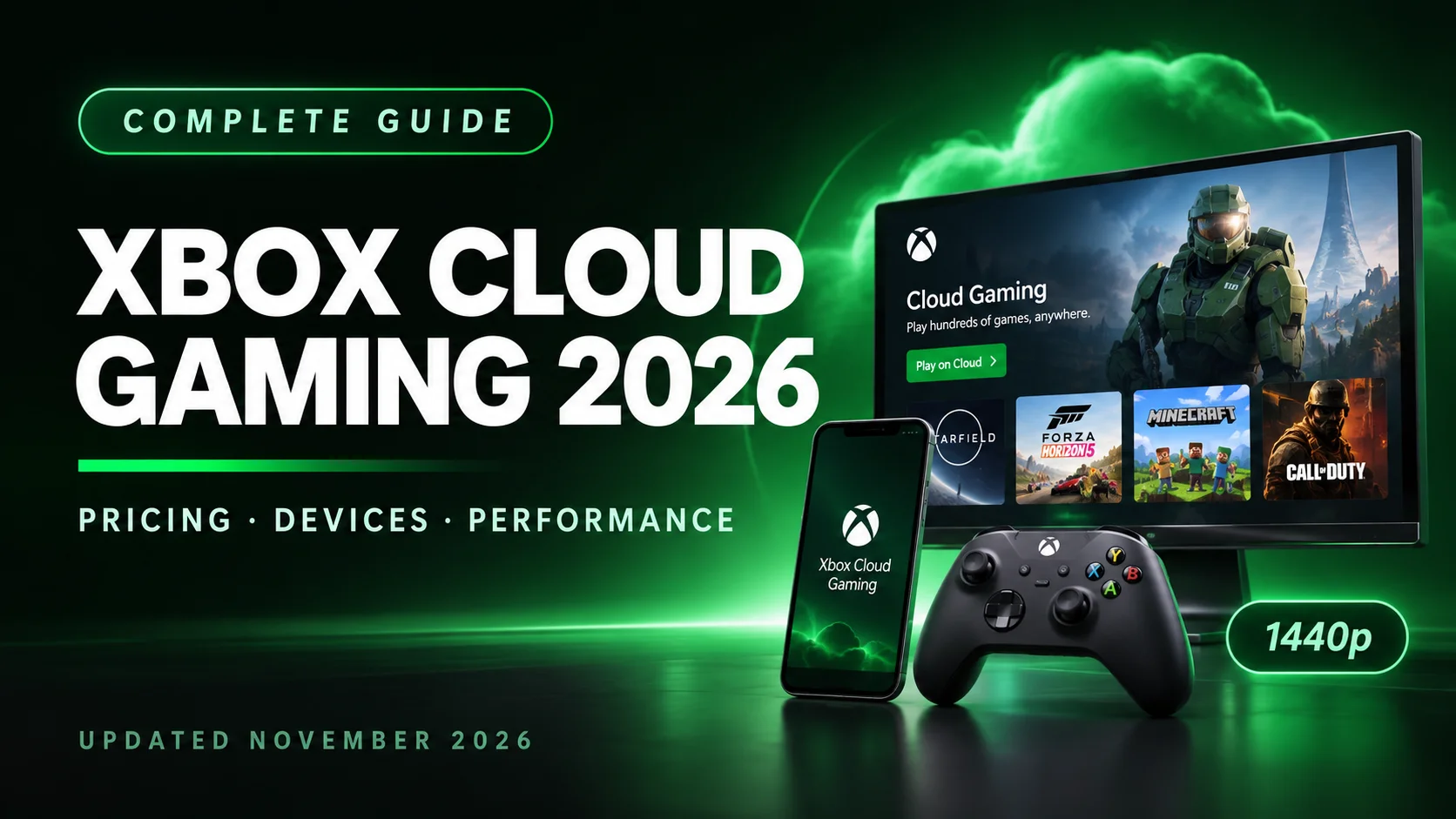
Xbox Cloud Gaming in 2026: The Complete Guide to Streaming Xbox Games Anywhere
Cloud Gaming Grows Up and Gets Complicated
Xbox Cloud Gaming has always promised something almost magical: play console-quality Xbox games on the phone in your pocket, the laptop on your desk, or the smart TV in your living room, no console required. For years, that promise came with a simple pitch: pay for Game Pass Ultimate, and stream as much as you want.
In 2026, that pitch has changed. Microsoft has introduced monthly hour caps, pay-as-you-go streaming packs, and a shifting device strategy that has left subscribers rethinking what "cloud gaming" actually means. The service is more accessible than ever in some ways, and more restricted than ever in others.
This guide cuts through the noise. Whether you're a longtime Game Pass subscriber, a curious newcomer, or someone comparing cloud services before committing, here's the full picture of Xbox Cloud Gaming in 2026.
What Is Xbox Cloud Gaming?
Xbox Cloud Gaming is Microsoft's game-streaming service that lets you play Xbox titles on devices you already own without downloading or installing anything locally. It runs on custom server blades built around the same silicon as the Xbox Series X, streaming games over the internet to your screen.
The service is bundled with Xbox Game Pass subscriptions, though 2026 brought new standalone options for players who don't want a full Game Pass membership.
Key things to know upfront:
- It's not a console replacement. It's a console extender. You can play on phones, TVs, PCs, Macs, handhelds, and even VR headsets.
- It's tied to Game Pass. The catalog of streamable games comes from the Game Pass library, plus a growing "Stream Your Own Game" selection for titles you've purchased separately.
- It's no longer unlimited for most people. Starting November 2026, every Game Pass tier comes with a monthly cloud-streaming hour allowance.
- It's out of beta. Xbox Cloud Gaming officially shed its beta label and is now a core part of the Game Pass ecosystem.
Xbox Cloud Gaming Pricing in 2026: Tiers, Hour Caps, and Pay-As-You-Go
This is where 2026's biggest changes live. If you last checked Xbox Cloud Gaming before September 2026, the pricing landscape has shifted significantly.
Game Pass Tiers with Cloud Gaming (from November 2026)
| TierMonthly | Price (US) | Cloud Gaming Hours | Included Games |
| Game Pass Essential | $9.99 | 5 hours/month | 50+ games |
| Game Pass Premium | $14.99 | 10 hours/month | 200+ games |
| Game Pass Ultimate | $22.99 | 15 hours/month | 400+ games, day-one releases, EA Play, Ubisoft+ Classics |
Sources: Gizmodo, TechPowerUp, shattered.io
Once your monthly hours run out, you'll need to purchase additional playtime through the Xbox Store. Microsoft has been testing introductory pricing for extra hours:
Pay-As-You-Go Streaming Packs (Introductory Pricing)
| Pack | Price (US) | Cost Per Hour |
| 10 hours | $3.99 | ~$0.40/hr |
| 25 hours | $7.99 | ~$0.32/hr |
| 50 hours | $11.99 | ~$0.24/hr |
Source: Gizmodo, TechPowerUp
Important caveat: These packs are designed primarily for streaming games you already own, not for accessing the full Game Pass catalog. They're ad-free, and the purchased hours don't expire until used. Microsoft has not confirmed whether these packs can top up subscription hours, though that seems likely.
The Free, Ad-Supported Option
Microsoft has also been testing a free, ad-supported version of Xbox Cloud Gaming for players who've purchased a game but don't have a Game Pass subscription. Early reports suggest input lag is minimal and image quality is "quite acceptable" for a free tier.
Supported Devices: Where Can You Actually Play?
Xbox Cloud Gaming's device reach is one of its biggest selling points. As of late 2025 and throughout 2026, the supported lineup includes:
- Xbox consoles: Xbox One and later. Streaming to your console lets you try games before downloading, or play Series X titles on an Xbox One.
- Windows PCs: Windows 10 version 20H2 and later.
- Mac computers: macOS 14.1.2 and later, via Safari.
- Chromebooks: ChromeOS 85 and later.
- Gaming handhelds: ROG Xbox Ally, ROG Xbox Ally X, Logitech G Cloud, Razer Edge.
- Steam Deck: Supported in beta via Microsoft Edge.
- Android phones and tablets: Android OS 12.0 and later.
- Apple phones and tablets: iOS/iPadOS 14.4 and later, browser-based.
- Smart TVs and streaming devices: LG, Samsung, Amazon Fire TV, including Fire TV 4-Series and Omni QLED smart TVs.
- Meta Quest VR: Quest 2, Quest Pro, Quest 3, Quest 3S, and Quest 3S Xbox Edition.
A note on device strategy in 2026: Microsoft quietly announced that Xbox Cloud Gaming will vanish entirely from some older TV platforms, signaling a consolidation of resources toward newer, more capable devices. If you're buying a TV specifically for cloud gaming, check current compatibility before committing.
Controllers and Input
You're not locked into an Xbox controller. Supported controllers include the Xbox Wireless Controller, Xbox Adaptive Controller, PlayStation DualSense, and DualShock 4. For competitive players chasing lower latency, Microsoft launched the Xbox Nano controller in November 2026. It is a tiny controller with a hidden Wi-Fi feature that connects directly to Xbox Cloud Gaming servers, bypassing Bluetooth and potentially reducing input lag. An Xbox Elite Series 3 controller is also expected to include similar direct-to-cloud connectivity.
Performance and Stream Quality: What to Expect
Xbox Cloud Gaming has improved its stream quality considerably, but it still trails the very best in the business.
Resolution and Bitrate
- Maximum resolution: 1440p on Xbox Series X-class hardware, up from the earlier 1080p ceiling.
- Maximum bitrate: Peaks at 27 Mbps in the 1440p mode.
- Typical bitrate: Many streams hover around 10 Mbps, with some devices reaching 17 Mbps.
- Frame rate: Up to 60 fps. There is no 120 fps option, unlike GeForce Now's 360 fps mode at 1080p.
Internet Speed Requirements
Microsoft recommends a connection of at least 20 Mbps for a solid Xbox Cloud Gaming experience. For comparison, GeForce Now starts at 15 Mbps and scales up significantly for 4K streaming.
Latency and Consistency
Independent testing and hands-on reports paint a mixed picture:
- Single-player and slower-paced games: Generally smooth and enjoyable. Journalists testing the free ad-supported tier found "input lag was minimal" and image quality "quite acceptable."
- Competitive shooters and fast-action titles: Xbox Cloud Gaming's higher latency compared with GeForce Now becomes noticeable. The 60 fps cap doesn't help responsiveness.
- Consistency varies by device and game. Some titles stream at higher bitrates than others, and TVs often get a better experience than phones or PCs. Tech-savvy users turn to third-party tools like Better xCloud, an open-source script that adds manual bitrate controls, server selection, real-time diagnostics, and expanded mouse-and-keyboard support.
The Verdict on Performance
Xbox Cloud Gaming is excellent for casual and single-player streaming, and serviceable for multiplayer. It is not the performance leader. If visual fidelity and competitive-grade latency matter most to you, GeForce Now remains the benchmark.
The Game Library: Game Pass and "Stream Your Own Game"
Xbox Cloud Gaming's library strategy is fundamentally different from GeForce Now's. Instead of letting you stream games you already own on Steam or Epic, as GeForce Now does, Xbox Cloud Gaming primarily rents you a curated catalog through Game Pass. That is evolving, though.
The Game Pass Library
- Game Pass Ultimate: 400+ games across console, PC, and cloud, including day-one Microsoft releases and major third-party titles.
- Day-one releases: A key differentiator. Major titles arrive on Game Pass, and therefore on cloud streaming, on launch day. GeForce Now doesn't offer this in the same way.
- EA Play and Ubisoft+ Classics are included with Ultimate, adding even more streamable titles.
"Stream Your Own Game" Is Growing Fast
Microsoft has been aggressively expanding the ability to stream games you've purchased outside the Game Pass catalog. Throughout 2026, the company added dozens of titles per month to this program:
- March 2026: 39 new titles, including Ghostrunner 2, Sniper Ghost Warrior Contracts 2, SpongeBob SquarePants: The Cosmic Shake, and Star Ocean The Divine Force.
- February 2026: 40 additions, including Divinity: Original Sin 2, Final Fantasy 7 Remake, and Resident Evil Village.
- July 2026: 52 titles added, including Assassin's Creed Black Flag Resynced and Call of Duty: Black Ops 6.
- August 2026: 37 titles, including Conker: Live and Reloaded, Halo: Campaign Evolved, and Tiny Tina's Wonderlands.
The GTA VI Factor
In October 2026, reports emerged that Microsoft secured cloud streaming rights for Grand Theft Auto VI, launching November 19, 2026. Xbox Cloud Gaming will be able to stream the Xbox version of the game on launch day, a potentially massive draw for players who don't own an Xbox console. Microsoft later clarified that the rights are not exclusive and that PC players won't be able to access GTA VI through cloud streaming.
Xbox Cloud Gaming vs. the Competition: How It Stacks Up in 2026
The cloud gaming market has matured into a genuine four-horse race: Xbox Cloud Gaming, NVIDIA GeForce Now, PlayStation Plus Premium, and Amazon Luna. Here's how Xbox Cloud Gaming compares on the metrics that matter.
Head-to-Head Comparison Table (2026)
| Feature | Xbox Cloud Gaming (Ultimate) | NVIDIA GeForce Now (Ultimate) | PlayStation Plus | PremiumAmazon Luna |
| Monthly Price | $22.99 | $19.99 | $18/month (Premium tier) | $6 to $10/month (Luna+) |
| Game Access Model | Subscription library (400+ games) plus Stream Your Own | Bring-your-own PC games (Steam, Epic, etc.) | Sony catalog plus classics | Luna+ channels plus Ubisoft |
| Max Resolution | 1440p | 4K (RTX 5080 servers) | 1080p | 4K HDR |
| Max Frame Rate | 60 fps | 120 fps (360 fps at 1080p) | 60 fps | Varies |
| Play-Time Cap | 15 hrs/month (Ultimate) | 100 hrs/month | None disclosed | None disclosed |
| Recommended Speed | 20 Mbps | 45 Mbps for 4K | 15+ Mbps | 10+ Mbps |
| Device Reach | Phones, PCs, Macs, TVs, handhelds, VR | Phones, PCs, Macs, TVs, browsers | PS4, PS5, PC only | Browsers, Fire TV, smart TVs |
| Best For | Xbox fans, multi-device players, day-one releases | Performance chasers, large PC libraries | PlayStation loyalists | Prime members, casual play |
Sources: shattered.io, Windows Report, Yahoo Tech/CNET, TechPowerUp
The Key Takeaways
Xbox Cloud Gaming wins on library value and ecosystem continuity. No other service bundles hundreds of games, including day-one AAA releases, into a single subscription. If you're already in the Xbox ecosystem, your saves, friends list, and achievements carry over seamlessly.
GeForce Now wins on raw performance. RTX 5080-class servers delivering 4K at 120 fps and the lowest latency in independent tests make it the choice for players who prioritize visual fidelity and responsiveness. But you need to own the games, and NVIDIA now enforces a 100-hour monthly cap.
PlayStation Plus Premium is the narrowest option. It works only on PlayStation consoles and PCs, maxes out at 1080p, and lacks mobile support. It is still a natural fit for PS5 owners who want to stream older titles.
Amazon Luna is the casual, budget-friendly pick. It's cheap, accessible through Prime, and supports 4K HDR, but its library is smaller and lighter on AAA titles.
What's New in 2026: The Big Changes Shaping Xbox Cloud Gaming
If you're returning to Xbox Cloud Gaming after a break, here are the developments you need to know about.
1. Monthly Hour Caps (November 2026)
The headline change. Unlimited cloud streaming is gone for Game Pass subscribers. Ultimate gets 15 hours, Premium gets 10, and Essential gets 5. Microsoft expects the caps to affect around 4% of subscribers, but the shift has angered heavy users who treated cloud streaming as a console replacement.
2. Pay-As-You-Go Streaming
For the first time, you can stream Xbox games without an active Game Pass subscription by purchasing prepaid playtime packs: 10 hours for $3.99, 25 for $7.99, and 50 for $11.99. This is a significant shift toward a more flexible, a la carte model.
3. Free, Ad-Supported Tier (Testing)
Microsoft has been testing a free version of Xbox Cloud Gaming supported by ads, available to players who've purchased a game but don't have Game Pass. Early impressions are surprisingly positive.
4. 1440p Streaming Upgrade
The service now supports 1440p streaming on Xbox Series X-class hardware, with bitrates peaking at 27 Mbps. It's a meaningful visual improvement over the previous 1080p ceiling, though still behind GeForce Now.
5. The Xbox Nano Controller
Launched in November 2026, the Nano controller can connect directly to Xbox Cloud Gaming servers over Wi-Fi, bypassing Bluetooth and potentially reducing input lag for competitive play.
6. GTA VI Cloud Streaming
Microsoft reportedly secured rights to stream GTA VI via Xbox Cloud Gaming on its November 19, 2026 launch day, a major get for the service, even if the rights aren't exclusive and PC streaming isn't supported.
7. Device Consolidation
Microsoft quietly retired Xbox Cloud Gaming apps on some older TV platforms in 2026, signaling a focus on newer devices and potentially reducing the service's reach on legacy hardware.
Pros and Cons: Is Xbox Cloud Gaming Worth It in 2026?
Pros
- ✅ Unbeatable library value: 400+ games, including day-one releases, for one subscription.
- ✅ Massive device reach: phones, TVs, PCs, Macs, handhelds, VR, and more.
- ✅ Seamless Xbox ecosystem: saves, achievements, and social features carry over.
- ✅ No downloads or installs: instant access to games.
- ✅ Flexible new options: pay-as-you-go packs and a free ad-supported tier in testing.
- ✅ 1440p streaming: a meaningful quality upgrade over the old 1080p cap.
Cons
- ❌ Monthly hour caps: 15 hours on Ultimate is restrictive for heavy players.
- ❌ Performance trails GeForce Now: lower bitrates, 60 fps cap, and higher latency for competitive games.
- ❌ Inconsistent stream quality: varies by game and device.
- ❌ Requires a solid 20 Mbps+ connection: not ideal for poor or unstable internet.
- ❌ No 4K streaming yet: still behind GeForce Now and Amazon Luna.
- ❌ Device consolidation: some older TVs are losing support.
Sign in to join the discussion (you can keep reading without an account)
Related Blogs

Recommended for you
0 Comments